
If the Crosshead Position is not displayed in the CORSICA Live Status interface, this typically indicates a connection issue between the Crosshead and your PC.
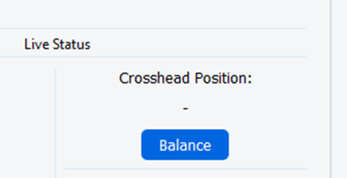
The Crosshead communicates with your PC via an Ethernet connection. Please check the following:
-
PLX-Benchtop Power: Confirm that the PLX-Benchtop is properly connected and powered on. Ensure the e-stop is not pressed (press and release to confirm).
-
Ethernet Cable: Ensure the Ethernet cable is securely connected between the PLX-Benchtop and the PC.
-
USB-Ethernet Adapter (if used): If a USB-to-Ethernet adapter is being used, verify that it is functioning correctly.
-
Crosshead Ethernet Configuration: Confirm that the Crosshead’s Ethernet port settings are correctly configured. Refer to this article for setup details.